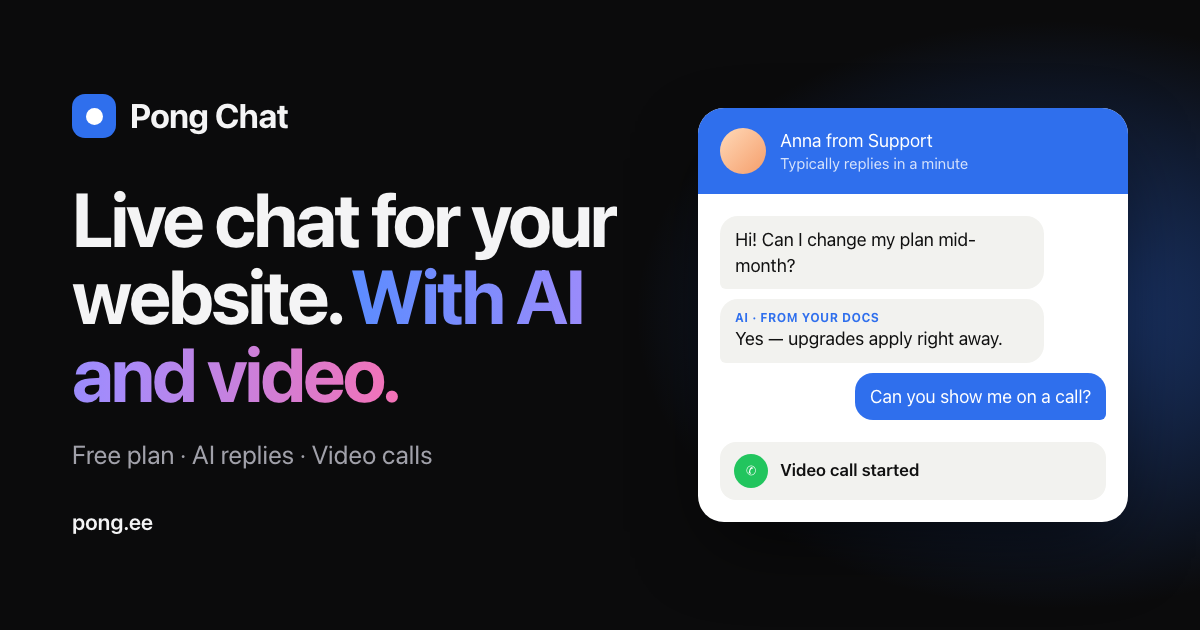
A live chat widget looks simple: a bubble in the corner, a text box, an agent on the other side. Underneath, it is a realtime system with thousands of open sockets, presence, file uploads, email fallbacks, and now AI and video calls. I recently launched Pong Chat, a live chat and team inbox for websites. It runs entirely on Cloudflare, with no servers, containers or databases for me to look after.
This post covers the architecture, the decisions that kept the bill close to zero when nothing is happening, and a few things I learned along the way.
The constraints
I had two rules from day one, and every design choice was checked against both:
- Nothing runs or bills without a reason. A chat widget sits on a page all day doing nothing. If idle visitors cost money, a free plan is impossible.
- One person can operate it. One repository, one Worker, one deploy command. No backup jobs, no queue servers, no Redis.
That ruled out the classic stack of an app server, a database, a websocket server like Soketi with Redis, a separate vector database and a GeoIP service. That is four or five things to run before you write a single feature.
One Worker, several hostnames
Everything is a single Worker that routes by hostname:
js.pong.eeserves the loader script you paste into a site;chat.pong.eeserves the widget iframe and the visitor WebSocket;app.pong.eeserves the agent desk, the REST API and incoming webhooks;call.pong.eeandmap.pong.eeserve free tools: call rooms and a live visitor map.
Static files (the widget, the desk, fonts, icons) are Workers Static Assets, so most requests never invoke the Worker at all. The server code is TypeScript with Hono and Zod and raw SQL, with no ORM. The front end is plain JavaScript, semantic HTML and SCSS, bundled with esbuild. No framework, which keeps the widget small on the host page.
One Durable Object per workspace
This is the core decision. Every workspace (one company’s chat) lives in its own Durable Object, TenantDO, with its own SQLite database. Clients, aliases, conversations, messages, agents, settings, and every open visitor and agent socket all live in it.
Why this works so well for chat:
- Merging identities is one local transaction. When a visitor logs in on a second device, two client records become one. That touches clients, aliases, conversations and messages. In a single SQLite database inside a single-threaded object, it is one transaction, with no distributed locking and no race between two devices identifying at the same time.
- Presence and fan-out need workspace-wide state anyway. The object that holds the data also holds the sockets, so “visitor typed a message, tell every online agent” is a loop over local sockets.
- The load fits comfortably. Thousands of chats a day is a few requests per second, and a Durable Object’s SQLite database can hold 10 GB.
- Migrations are automatic. Each object checks its schema version when it wakes and applies pending migrations in a transaction. The migration list is append-only, so there is nothing to coordinate across thousands of databases.
Next to TenantDO there are a few small singleton or per-resource objects:
DirectoryDOmaps an email or Google account to its workspace and agent, so password sign-up and Google sign-in with the same address end up in the same account.LiveMapDO, one per site that embeds the free live map.RoomDO, one per call room, handles only signalling.ProbeDOruns the free site check tool, one per Cloudflare region, placed with location hints.
Making idle cost nothing
Durable Objects bill for wall-clock duration while they are awake. A naive chat keeps every object awake forever, because some visitor somewhere has a socket open. Here is what keeps that bill down:
- WebSocket Hibernation everywhere. Sockets stay open while the object sleeps. Ping and pong are answered by
setWebSocketAutoResponse, which does not wake the object. - No timers inside objects. No intervals, no polling. Alarms are set only when there is real pending work, never as a heartbeat.
- The widget sends no heartbeats. Presence means an open socket plus page-change events. The socket opens when the page is idle and closes after a few minutes in a hidden tab.
- Presence is computed only when an agent is online. With no agent connected, presence work is zero. With agents connected, diffs are throttled.
- Write diffs, not snapshots. Unchanged custom data keys are dropped before they reach SQLite, and there are few indexes, because every index is another row write.
The result: a site with traffic but no agent online costs almost nothing, which is what makes a real free plan possible.
AI without a per-resolution fee
Most chat products charge per AI resolution. I wanted AI to be a flat part of the paid plan. That only works if inference is cheap and close to the data, so all of it runs on Workers AI:
- Replies and the chatbot:
gpt-oss-20band Llama models answer from the workspace’s knowledge base and hand the chat to a person when unsure. - Triage: a small model labels each chat’s urgency, topic and sentiment in the background, through a Queue.
- Knowledge base and reply suggestions:
bge-m3embeddings in a single Vectorize index, filtered by workspace. Embeddings are batched, and short or system messages are skipped. - Call transcripts: Whisper large-v3-turbo.
- Visitor avatars: FLUX schnell draws a stylised avatar per visitor, so an agent can tell twenty anonymous guests apart at a glance.
Background work (webhooks with retries, embeddings, emails) goes through one Cloudflare Queue with batched consumers. It is used only when a workspace has the feature turned on.
Video calls and screen sharing in the chat
An agent can turn a chat into a video or voice call with screen sharing in both directions, right inside the widget. Nobody installs anything.
Media goes peer to peer over WebRTC. Cloudflare TURN relays it when a direct connection is impossible, with credentials minted by the Worker per call. Signalling rides the WebSocket the chat already has, so a call adds no new infrastructure. The agent’s browser records the call and uploads the recording to R2. Whisper turns it into a transcript, and the transcript lands in the conversation.
Seeing what the visitor sees
The features I use most as an agent are about context, not messages:
- Page snapshots. The agent asks for one, and the visitor’s browser renders the current page into a canvas. Password and private fields are masked before anything leaves the device. The result is a JPEG uploaded to R2 with a one-time ticket. No screen-recording script runs on the site all the time.
- Typing preview. The agent sees what the visitor is typing before they press send, so the answer is often ready when the question arrives.
- JavaScript errors in the chat. One switch catches uncaught errors in visitors’ browsers and shows them in that visitor’s conversation, with the stack, page and browser. “The button doesn’t work” stops being a mystery.
- Live map and VPN detection. Location, ASN and organisation come free with every request in
request.cf. A list of hosting ASNs flags visitors behind VPNs and proxies.
Email and channels
Inbound email is parsed in the Worker with postal-mime, including HTML-only mail turned into readable text. Outbound email uses Cloudflare Email Service. Telegram bots plug into the same inbox, and Instagram, Messenger and WhatsApp are in beta. Every channel produces the same webhook message shape, so an integration written once works for all of them.
Compatibility as a feature
I came to this from years of running support on Chatra, so the widget reads the Chatra JavaScript API (Chatra(...), ChatraSetup, ChatraID). A site that moves over keeps its existing code. Small compatibility layers like this one decide whether a migration takes an afternoon or a sprint.
Testing and deploying
Tests run with Vitest and Cloudflare’s Workers pool, which gives each test a real Durable Object with real SQLite in Miniflare. So merge logic and migrations are tested against the same engine that runs in production. The domain core (identity merge, compatibility mapping, webhook shaping) is plain TypeScript with no Cloudflare imports, which keeps it easy to unit test and portable.
A deploy is one guarded command. It refuses to run unless the tree is committed and up to date, takes a lock, runs the tests, builds, deploys, and tags the version. Rollback is wrangler rollback. Durable Object storage has 30 days of point-in-time recovery, so there are no backup jobs to write.
What I would tell someone starting the same thing
- Model your data around a single-writer unit. For chat, that unit is the workspace. Once a Durable Object owns it, most concurrency problems disappear.
- Treat idle as the main cost path. Hibernation, no heartbeats, no timers. Measure duration, not requests.
- Use the platform’s built-ins before adding a vendor. TURN, email, queues, vectors, AI, rate limiting and geo data all come from the same account and the same bill.
- Vendor lock-in is real. Keep the business logic in plain modules, so the platform-specific code stays a thin shell.
Try it
Pong Chat is free for one agent. Premium costs €9 per agent per month, or €7 billed yearly, with a 14-day trial. Installing it takes one script tag, a WordPress plugin or a Google Tag Manager tag. If you are evaluating chat tools or building something similar on Cloudflare, take a look at Pong Chat. I am happy to talk architecture in the comments.
Also noted on fbapp.us/pongchat